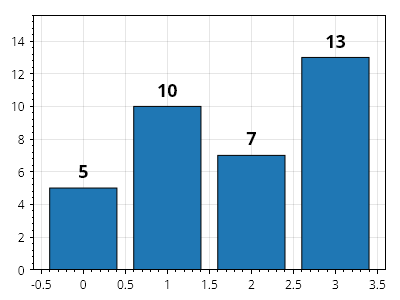
値ラベル付きの棒グラフ
棒の Label プロパティを設定すると、各棒の上にテキストを表示できます。
ScottPlot.Plot myPlot = new();

double[] values = { 5, 10, 7, 13 };
var barPlot = myPlot.Add.Bars(values);

// ラベルの内容を定義する
foreach (var bar in barPlot.Bars)
{
    bar.Label = bar.Value.ToString();
}

// ラベルのスタイルをカスタマイズする
barPlot.ValueLabelStyle.Bold = true;
barPlot.ValueLabelStyle.FontSize = 18;

myPlot.Axes.Margins(bottom: 0, top: .2);

myPlot.SavePng("demo.png", 400, 300);
このレシピは、棒グラフカテゴリにある多数のレシピの 1 つです