上軸付きグリッド
グリッド線はデフォルトで下軸と左軸を使用しますが、この動作は他の軸を使用するプロット向けにカスタマイズできます。
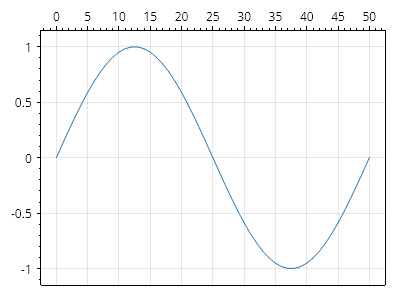
ScottPlot.Plot myPlot = new();

var sig = myPlot.Add.Signal(ScottPlot.Generate.Sin());
sig.Axes.XAxis = myPlot.Axes.Top;
myPlot.Grid.XAxis = myPlot.Axes.Top;

myPlot.SavePng("demo.png", 400, 300);
このレシピは、グリッドのカスタマイズカテゴリにある多数のレシピの 1 つです